> For the complete documentation index, see [llms.txt](https://spsvn.gitbook.io/product-docs-1/llms.txt). Markdown versions of documentation pages are available by appending `.md` to page URLs; this page is available as [Markdown](https://spsvn.gitbook.io/product-docs-1/huong-dan-su-dung-cho-nguoi-dung/mobile-app/dang-nhap-ung-dung.md).
# Đăng nhập ứng dụng
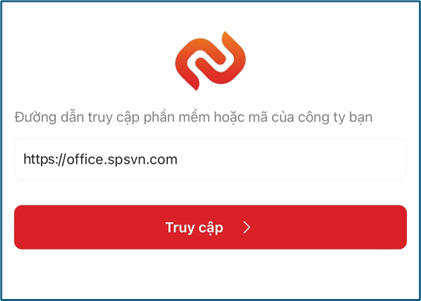
a. Người nhập đường dẫn truy cập SP365 của công ty bạn.
Ví dụ :\
Đường dẫn truy cập của công ty tôi là , tôi sẽ nhập office.spsvn.com
\
*\*\*Lưu ý hệ thống đã nhập sẵn https\:// người dùng chỉ cần nhập đoạn domain của đơn vị*
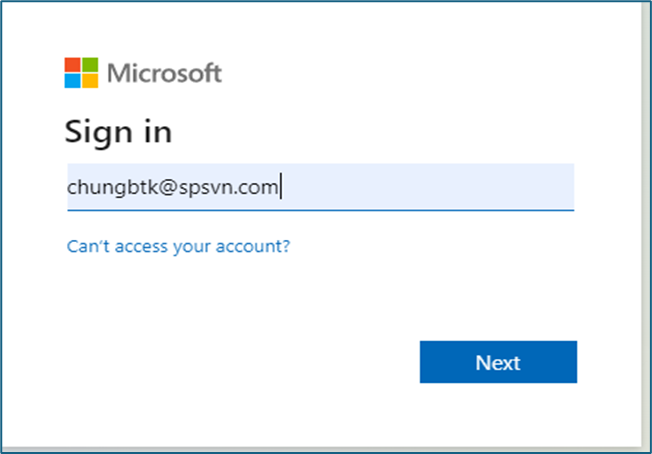
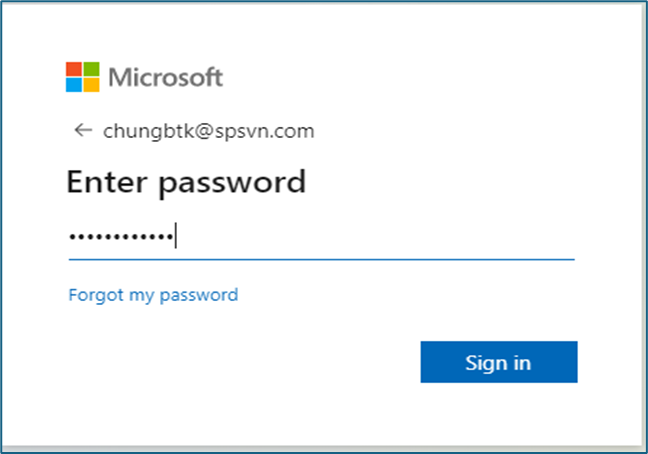
b. Bấm truy cập và thực hiện login với tài khoản Microsoft được cấp
c. Sau khi đăng nhập hệ thống có thể yêu cầu xác thưc 2 lớp (theo thiết lập của IT admin). Hãy hoàn thành quá trình xác thưc 2 lớp để sử dụng phần mềm.
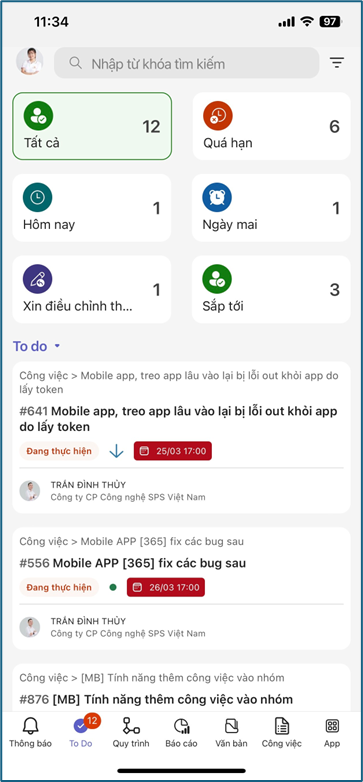
[**Màn hình chính của phần mềm:**](#user-content-fn-1)[^1]
[^1]: